
Motorcycle Dash-Cam Recordings Have Gaps? Trace Power, Storage, Heat, and Loop Behavior

Find The Missing Minutes
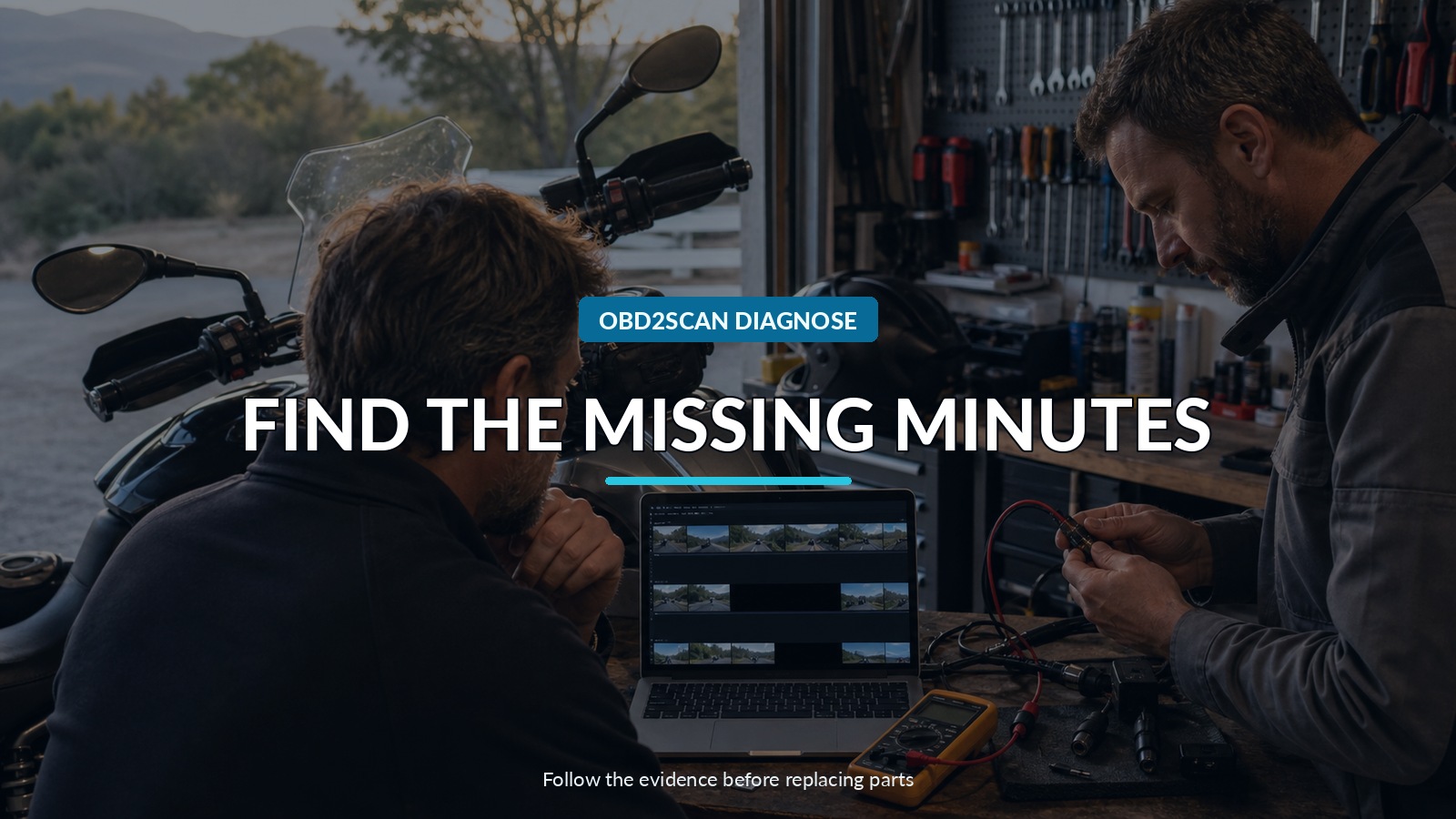
The ride lasted forty minutes, but the camera folder jumps from 10:14 to 10:23. Another clip ends seconds before a pothole, and the next file begins with the startup screen. Those missing minutes are more than an inconvenience: they are a timeline that can tell you whether power, storage, heat, vibration, or loop recording interrupted the evidence.
Integrated motorcycle camera systems combine several branches in one installation, so their own indicators and wiring matter. On an installation such as the FXTUL F8-B motorcycle dash cam and HUD, use the current manual or support information for wiring, storage, format, loop, and firmware requirements.
Before formatting the card or resetting the unit, copy everything. File names, creation times, clip lengths, corrupted endings, audio, and the first frame after a gap can reveal whether the camera lost power, rebooted, stopped writing, or simply rolled into a file you did not expect. Preserve the evidence before attempting the cure, and do not borrow card capacities, speed classes, or reset steps from another camera merely because its connector or menu looks similar.
Quick answer: Copy every file before formatting, build a timestamp ledger, and reproduce the missing minutes while changing one branch at a time: constant and ACC power, ground, connectors, storage requirements, loop settings, firmware, heat, or vibration.
In this guide
Build the missing-minutes ledger
Make a table with every file in chronological order. Record start time, end time, duration, channel, file size, whether it plays to the end, and what the motorcycle was doing. Add ignition on, engine start, first movement, stops, high-rpm periods, rough roads, rain, heat soak, and shutdown.
Look for the shape of the gap. A clean sequence of equal-length files with one number missing may be a file-management issue. A clip that ends abruptly and a new boot sequence several minutes later suggests loss of supply or a reset. Many tiny clips can indicate repeated rebooting, unstable storage, or an event-recording setting.
Preserve both camera channels if the system has front and rear recording. If both stop at the same instant, a shared recorder, supply, or storage branch rises. If only one channel disappears while the other continues, inspect that camera, cable, connector, and channel-specific behavior.
Replay the power timeline
Identify constant power, switched or ACC trigger, and ground according to the installed system. Check fuse rating, taps, crimp quality, waterproof connectors, and routing. A connection that passes voltage with the bike stationary may open briefly under vibration or steering movement.
Measure at the recorder, not only at the battery. Capture battery voltage during key-on, cranking, idle, electrical load, and the ride condition linked to a reboot. Some cameras are designed to shut down when the ACC signal disappears even if constant power remains. Log both lines if possible.
Inspect ground voltage drop under load and verify the charging system by the motorcycle specification. An overcharging or undercharging bike can destabilize accessories. Keep test leads secured away from steering, chain, wheels, exhaust, and hot engine parts; a loose meter lead is a riding hazard.
Interrogate the files before blaming the card
Copy the card with a read-only mindset. Note whether the last file before a gap is playable, truncated, or missing its final index. Compare file sizes and durations. A clean finalization may suggest a commanded shutdown; an abruptly corrupt ending is more consistent with power loss or a write interruption.
Check free space and loop behavior. Confirm whether protected or event files are excluded from normal overwrite and have filled a reserved area. Verify date and time settings; an incorrect clock can scatter otherwise continuous clips into a misleading chronology.
Do not format until the files are copied. Do not run repair utilities on the only copy. If footage matters for an incident, preserve the original card and work from an image or duplicate through an appropriate evidence process.
Validate storage by the manufacturer’s rules
Use the exact storage type, capacity, performance requirement, formatting method, and replacement interval stated in current documentation. Dash cameras impose sustained write and rewrite workloads that differ from casual photo storage. A card labeled “fast” may still be unsuitable for continuous recording.
Format in the device if that is the supported procedure, then run a controlled test long enough to wrap through multiple loop cycles. Check every file on both channels. If errors recur, compare with a known-compatible, genuine card obtained from a trustworthy source.
Do not invent a universal file system or allocation size. Support can change with firmware, and similar models may have different limits. If the product page does not publish the detail, obtain the manual or ask current support rather than filling the gap with another brand’s specification.
Separate heat from vibration
Reproduce the system while stationary in a ventilated, safe area, then compare it with a road test. If recording is stable on the stand but fails over bumps, inspect connectors, cable strain relief, recorder mounting, card seating, and wires near the steering head. Gently move one harness section at a time while monitoring status; do not create a short.
If gaps appear after a consistent time in hot weather or after parking in sun, record ambient conditions and surface temperature where safely possible. Check airflow around the recorder and whether it sits near the engine, radiator discharge, exhaust, or a sealed black enclosure. Do not cover it in insulation that traps more heat.
Heat can affect the recorder, storage, voltage converter, and connectors. A failure that clears after cooling is a strong pattern, but the exact component still needs isolation.
Read indicators as event markers
Learn what each LED, icon, tone, or screen message means from the correct manual. Record it on video with another device during a controlled test if practical. A storage warning, GPS-search icon, low-voltage shutdown, and full reboot may look like the same blank display to a rider glancing down.
Check whether the unit automatically starts recording after ignition and whether it resumes after cranking. Verify manual record, emergency lock, microphone, GPS, and both camera previews separately. A display that reboots does not always mean the recording subsystem stopped, and a live preview does not prove files are being committed to storage.
Firmware should be considered only through the supported route. Record the installed version before changing it, use stable power during any update, and verify settings afterward. An interrupted or wrong-model update can turn an intermittent recording problem into a nonfunctional unit.
Change one branch per ride
Use a short repeatable route and modify only one variable: secure a connector, substitute the approved card, reroute one heat-exposed cable, or log the ACC line. If several things change together and the gap disappears, the repair cannot be defended and the symptom may return.
Keep the original card and files labeled. Name each test with date, route, card, firmware, and change. A simple matrix quickly reveals whether the failure follows the card, the recorder, a camera channel, heat, vibration, or vehicle power.
Stop if the installation creates a fire risk, distracts the rider, interferes with controls, or requires unsafe on-road observation. A camera is not worth an unsecured harness or a rider watching diagnostic screens.
Verify continuity, not just startup
The final test must exceed the time and conditions that produced the missing minutes. Start from cold, crank the bike, ride the repeatable route, include normal stops and heat soak, and let loop recording operate. Then copy and audit the entire file sequence.
Pass criteria are continuous timestamps, playable files on every channel, correct loop replacement, no unexpected boot markers, stable status indications, and clean shutdown. The camera has not been fixed merely because it turns on in the garage; the evidence chain must remain unbroken for the whole ride.









Comments 0
Questions, fixes, and real-world diagnostic notes from readers.
Be the first to share a diagnostic result or ask a follow-up question.