
2014 Tesla Model S Intermittent Touch Failure: Display Replacement Case

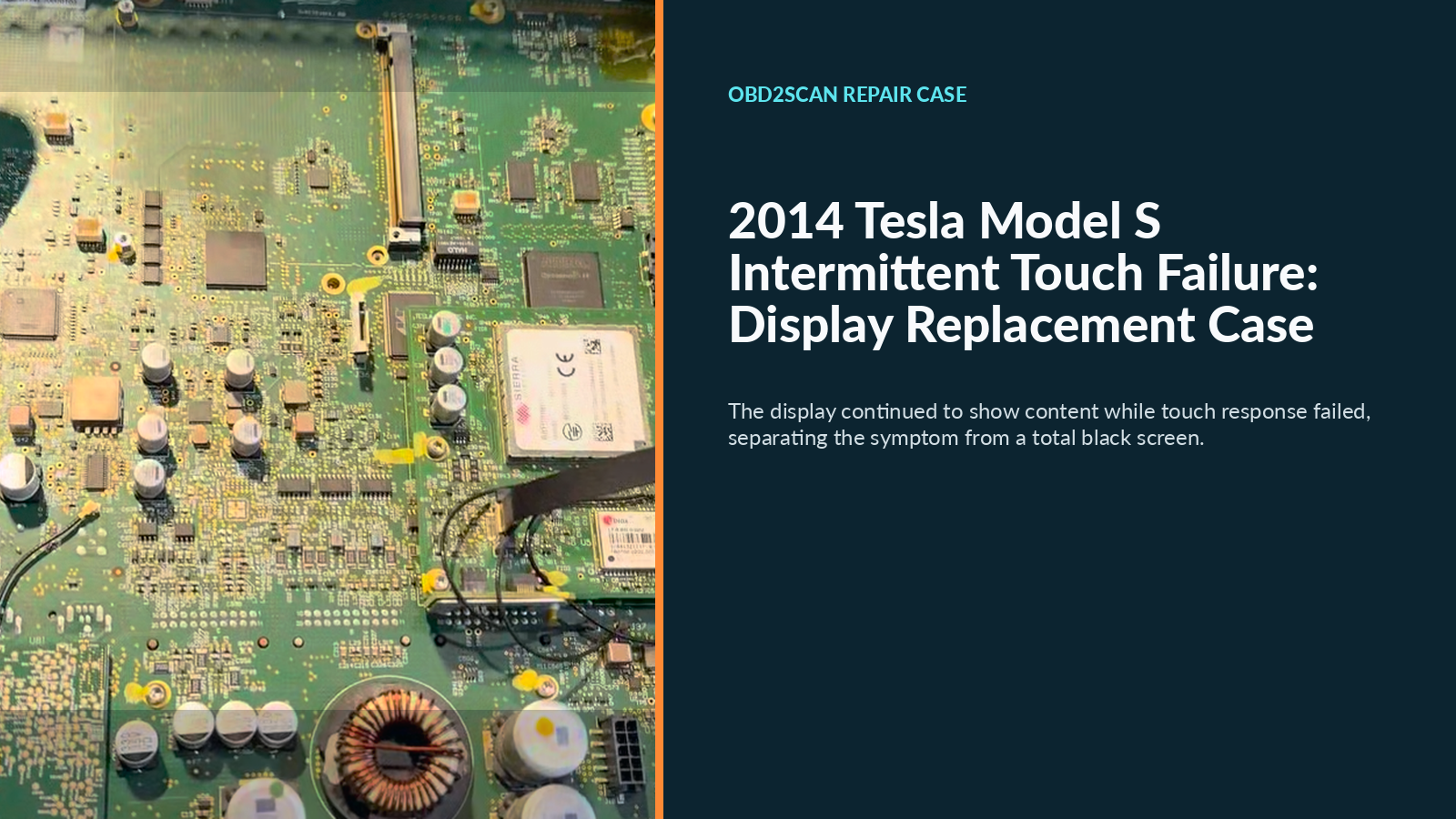
The 17-inch center screen in this 2014 Tesla Model S was not black. It booted, showed the vehicle interface, and initially accepted commands. After continued use, however, touches stopped producing a normal response. The workshop reproduced that behavior, narrowed the fault to the display rather than the complete media control unit (MCU), replaced the display, and then challenged the repaired screen across multiple regions and common functions without the fault returning.
The case does not report mileage, VIN, drivetrain configuration, MCU hardware generation, display part number, or software version. Those omissions prevent this single repair from becoming a parts-compatibility guide for another Model S.
Case at a glance
| Item | Case detail |
|---|---|
| Vehicle | 2014 Tesla Model S; mileage and build configuration not reported |
| Driver complaint | Screen still displayed an image, but touch input failed after use |
| Workshop confirmation | Repeated taps produced no expected response while the display remained active |
| Diagnostic scope | Display, ribbon interfaces, and internal connections inspected |
| Confirmed fault | Display/touchscreen assembly; complete MCU was not identified as failed |
| Repair | Display replaced after checking replacement interfaces and mounting positions |
| Restoration | Center assembly reassembled and returned to service |
| Verification | Normal boot and image; multi-region taps and swipes; continued common-function operation with no recorded recurrence |
The fault had to be reproduced, not remembered
One quick tap after startup would have missed this complaint. The useful observation was the combination of time and function: the image remained present, but touch input stopped after the screen had been operated for a while. Reproducing that split prevented “touchscreen failure” from being treated as a vague report.
An illuminated screen proves only that some display and computer functions are active. It does not prove that the touch layer, its ribbon path, connectors, controller, or software input path is healthy. Conversely, failed touch input does not by itself prove that the entire MCU must be replaced. The failure mode has to be divided into testable functions before the repair scope is chosen.
How the repair was narrowed to the display
After reproducing the condition, the center assembly was removed for inspection. The case record documents checks around the display, ribbon interfaces, and internal connections. Based on that work and the repeatable symptom, the display was identified as the replacement scope rather than the complete MCU.
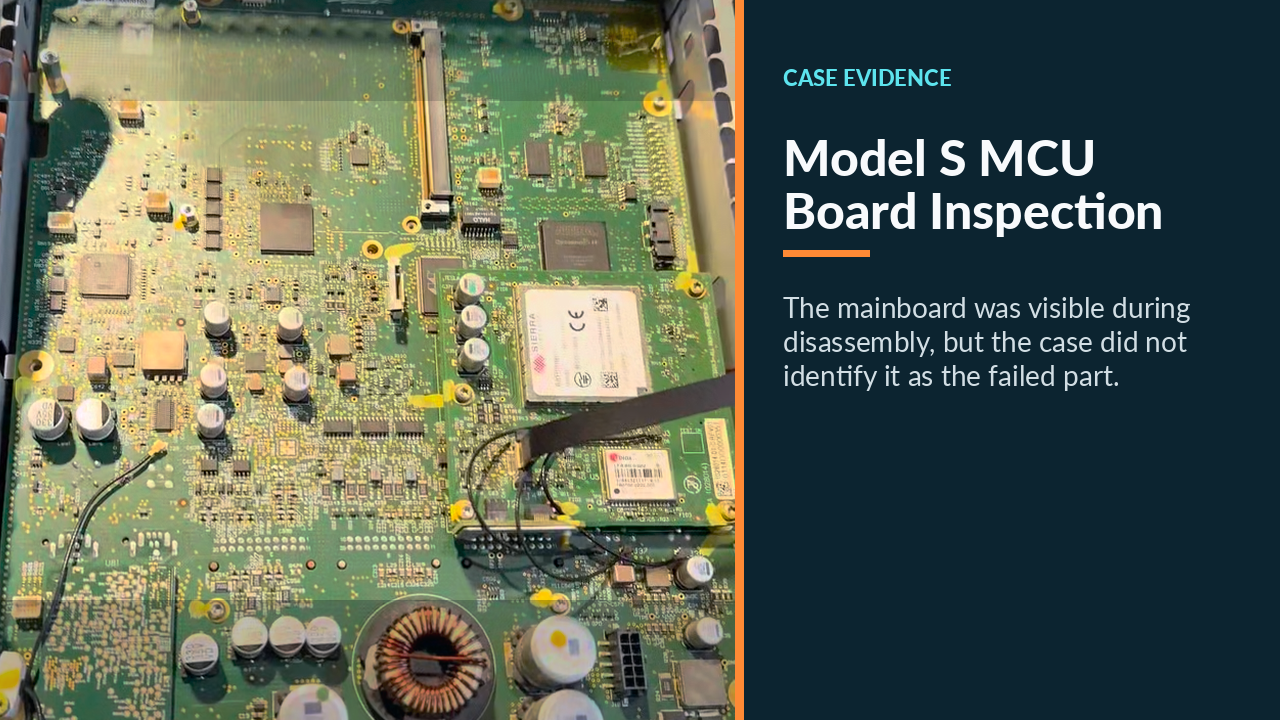
That distinction is easy to lose in a short repair video. A circuit board appearing in frame is not a board diagnosis. The case record provides no board-level test values, ribbon resistance measurement, connector defect, or MCU fault. The supported conclusion is narrower: this vehicle’s diagnosis and outcome supported replacing the display.
What was replaced and how it was restored
The old display was separated from the center assembly. Before installation, the replacement screen’s ribbon interfaces, connectors, and mounting positions were checked. The replacement display was then integrated with the retained center-control hardware and returned to the car.
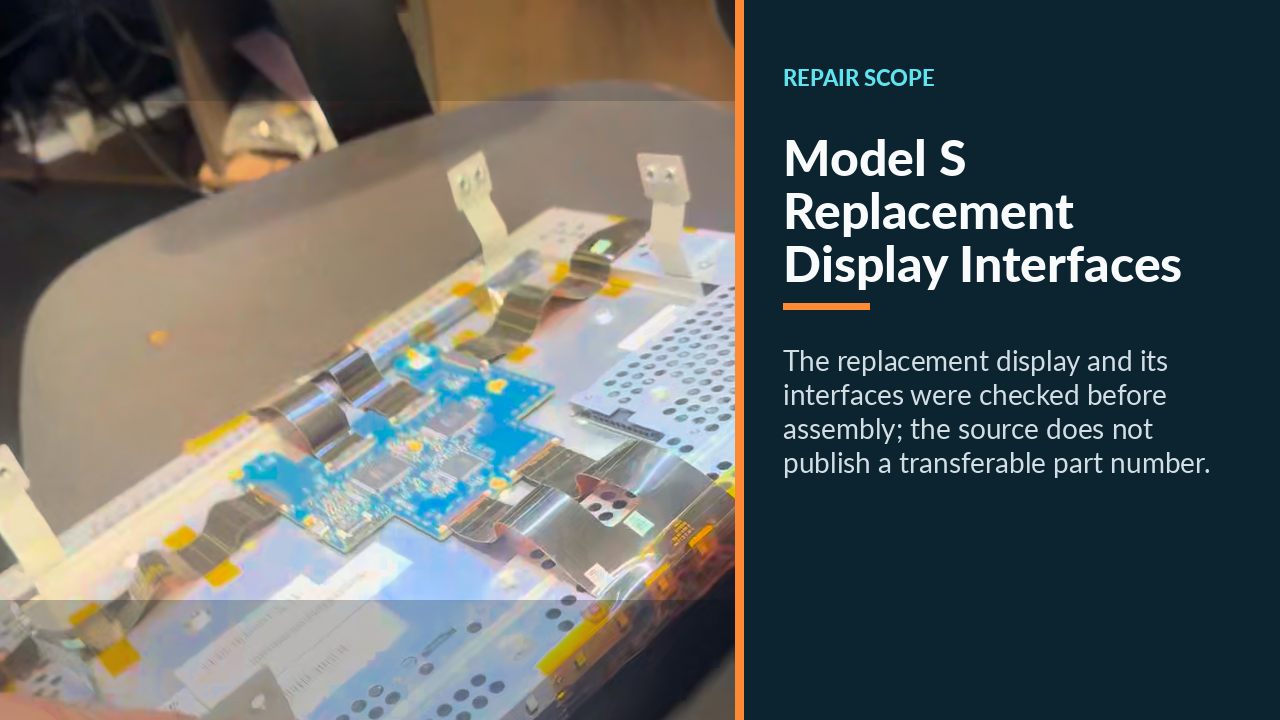
This is qualified electrical service, not a trim-removal shortcut. Tesla’s official 2012–2020 Model S service information separates procedures by vehicle configuration and build timing, and it includes electrical, low-voltage-power, ESD, connector, and restoration precautions. The case record does not record its exact isolation sequence, fastener values, or software operations, so those steps should not be reconstructed from the video or copied from a later Model S generation.
The practical repair record is therefore intentionally bounded:
- Reproduce the time-dependent touch failure while documenting what still works.
- Identify the exact vehicle build and applicable Tesla service procedure.
- Isolate vehicle power and remove the center assembly using that procedure.
- Inspect the display path and connections before expanding the diagnosis to the MCU.
- Confirm replacement compatibility, install the display, and restore every disturbed connection and trim interface.
- Complete any required software or functional restoration specified for that exact hardware.
The case record confirms the physical display replacement and reassembly. It does not say whether a separate software installation, pairing step, or calibration was required, so none is claimed here.
Verification had to challenge the original failure mode
A successful boot was only the first checkpoint. The post-repair screen showed the normal interface, after which the workshop tapped and swiped across upper, lower, left, and right areas. That broader sweep challenged dead zones that one convenient button could miss.
The technician then continued using common controls, including pages that require repeated selections. The original complaint occurred after use, so this continued operation mattered more than a single startup confirmation. The case record documents that the touch failure did not return during this recheck. It does not state an exact duration, and this article does not invent one.
For another intermittent screen, the verification should match its trigger. If failure appears only after cabin heat, a long drive, a software wake cycle, or a certain control page, reproduce that condition and record the result. Also confirm that safety-relevant displays and controls work as designed before returning the car to use.
What this case changes about the first diagnosis
The reusable lesson is not “every older Model S needs a screen.” It is that image output, touch input, display connections, and complete MCU operation are different diagnostic layers. This car kept rendering an image while its touch layer failed after use. Reproduction and scoped inspection justified a display-only repair; multi-area and continued-operation checks then tested the repair against the complaint that brought the car in.




Comments 0
Questions, fixes, and real-world diagnostic notes from readers.
Be the first to share a diagnostic result or ask a follow-up question.