
Tiger 1200 ABS Codes After Smart Scan? Finish the Scan Before Diagnosing the Bike

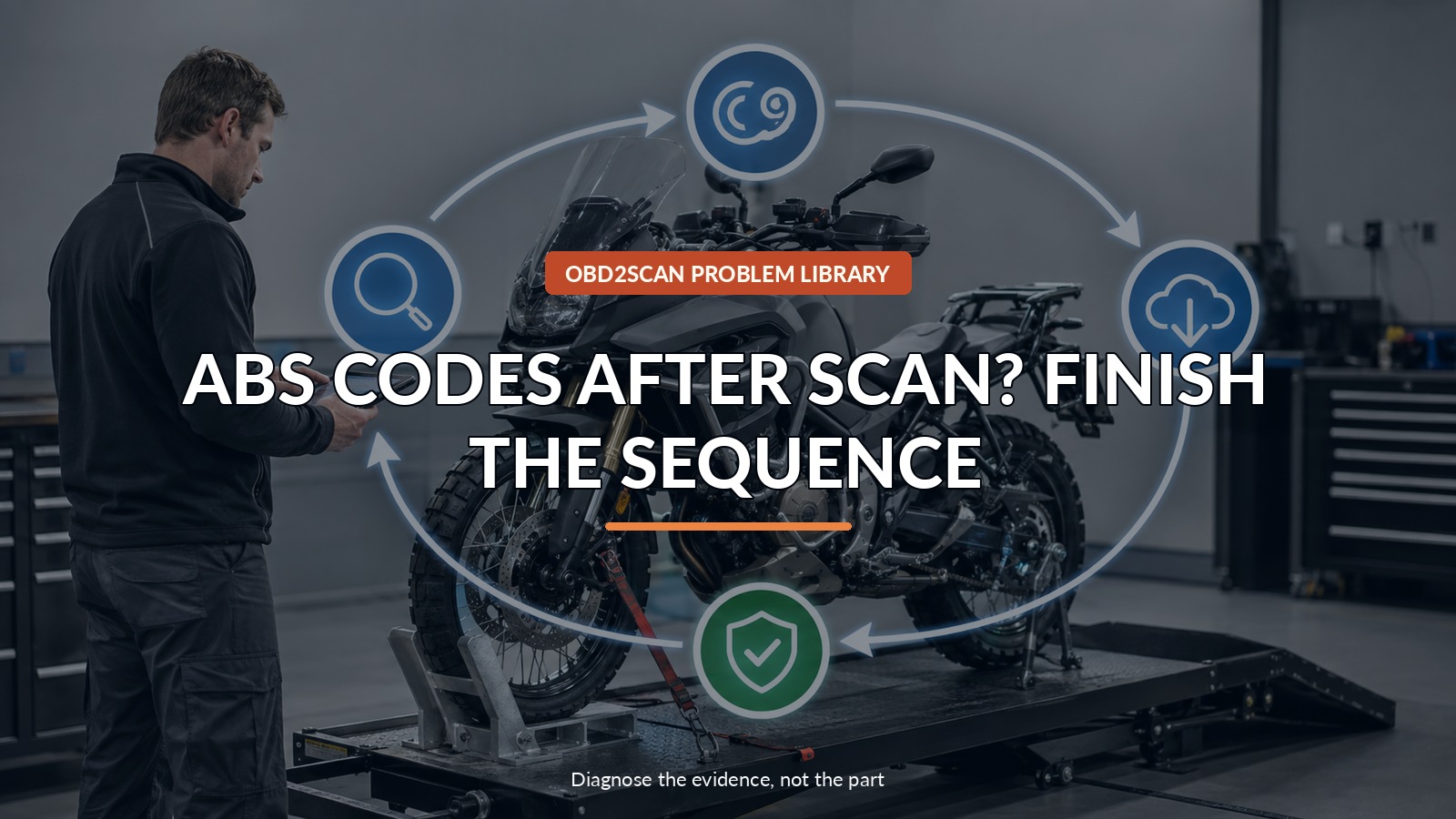
Abs Codes After Scan? Finish The Sequence
If ABS communication codes appear immediately after Triumph Smart Scan, do not order parts: obey every ignition-cycle prompt, install available downloads, rescan from Summary rather than the DTC tab, unlock a PDI bike if required, erase DTCs, and return to Summary before deciding what persists. Timing changes the diagnosis: finish Triumph’s sequence before treating scan-created communication codes as hardware failures. Stop riding if an ABS warning or braking fault persists.
The useful tool category here is a compatible motorcycle scan tool used to preserve a separate before-and-after fault record, but only after the safe test point and question are clear. The FXTUL M4-EU is one practical route for that bounded measurement. M4-EU can preserve supported Triumph fault codes, freeze frame, and selected live data before and after the OEM session, subject to exact model/cable/software coverage; it cannot perform Triumph downloads, reproduce Smart Scan, unlock PDI, or prove a code was scan-created.
This runbook is intentionally procedural. Each screen and ignition cycle preserves the meaning of the next one; skipping ahead creates a fault list without a trustworthy endpoint.
Quick answer: When Tiger 1200 ABS communication codes appear during Smart Scan, finish every ignition cycle, download, Summary-tab rescan, erase, and final report first.
In this guide
Ask when the ABS codes first appeared
Ask whether an ABS lamp, braking complaint, or communication code existed before the service session. Save the pre-scan report when one exists, plus battery condition, accessories, recent software work, and rider symptoms. Codes that appear for the first time immediately after Smart Scan have a different context from a warning that illuminated on the road. If braking behavior is abnormal or an ABS warning remains while riding, reduce risk and arrange professional diagnosis; the scan guidance is not permission to ignore a real brake concern.
Do not cancel the ignition-cycle popup
Triumph specifically says not to click Cancel on the Ignition Cycle popup. Follow the prompt even when the motorcycle appears to have restarted or the scan seems paused. Stabilize the battery with approved support where the service procedure requires it and keep connectors secure. A low-voltage interruption can create a second problem that resembles communication failure. Photograph unexpected prompts before choosing anything; do not improvise key cycles based on another model’s update routine.
Let the first Smart Scan finish
Run the initial Smart Scan to completion and allow it to inspect every applicable module. Triumph explains that some ABS communication DTCs will always be stored on multiple ECMs after this scan because of the nature of the software-version check. That statement applies to the described Tiger 1200 process, not to all ABS codes or all Triumph models. Keep the intermediate list, but label it ‘after initial Smart Scan’ so no one mistakes it for the final diagnostic result.
Download every available update
Use Download to install every update that the current platform presents. Maintain the required power support and do not disconnect the cable, operate unrelated controls, or end the session early. After downloads, the platform triggers a rescan; cycle the ignition again when told. If no download is required, Triumph still says to rescan. Software identity and completion logs belong in the work order because an update recommendation without a successful completion record is not a repair.
Start the rescan from Summary
Initiate that rescan from the Summary tab, not from the DTC tab. The starting location matters because Smart Scan is coordinating module status, software checks, and the return path. A quick code-page rescan can look efficient while skipping the sequence Triumph is trying to complete. Follow every ignition instruction again. When the scan returns to Summary, keep the screen state visible until the PDI lock question and code erase are handled.
| Smart Scan stage | Required action | Common interpretation error |
|---|---|---|
| Initial scan | Cycle ignition when prompted | Canceling because the bike appears normal |
| Update stage | Download available updates | Erasing codes before software is current |
| Rescan | Start from Summary | Starting from DTC tab |
| Finish | Erase, return to Summary, save report | Diagnosing the intermediate list as final |
Unlock only when PDI status requires it
If the motorcycle is locked at pre-delivery inspection, unlock it at the specified point. Do not treat unlock as a universal owner step or try it on a delivered bike without authorization. Then open the DTC page and erase all DTCs. This erase is appropriate only after the original/intermediate record, update results, and sequence have been preserved. Clearing before downloads may remove context while leaving the process that created the codes unfinished.
Erase codes and return to the green summary
Return to Summary and confirm that the items are green. Triumph notes an exception on earlier models where instrument DTC U1508 may not clear. Save or print the Summary Report as needed, then finish the session normally. A separate compatible tool can provide an independent code snapshot when coverage is verified, but it should not be interleaved with the dealer update sequence. Name each report by time and tool so two snapshots are not confused.
Treat anything persistent as a fresh diagnosis
Anything that remains after the complete sequence becomes a fresh diagnostic case. Preserve the exact module, code, status, warning-lamp behavior, battery voltage, and rider complaint. Check current Triumph guided diagnostics rather than assuming the scan created every persistent code. If ABS operation, speed signals, brake switches, power, ground, or network communication is abnormal, test that branch under the service manual. The runbook prevents false multi-module conclusions; it does not make a genuine persistent fault harmless.
A completed scan is evidence; an interrupted scan is only a moment in a process. Verify the final Summary before replacing parts for communication codes that the software-version check itself temporarily stored.


Comments 0
Questions, fixes, and real-world diagnostic notes from readers.
Be the first to share a diagnostic result or ask a follow-up question.