
2018 Ford F-450 Shows the Front Camera in Reverse: Check Camera Assignment After Cab Work

Quick answer: A working video image can still come from the wrong camera. With wiring verified, this F-450 needed the camera locations reassigned in IPMB using Ford IDS.
A sharp, stable picture can still be the wrong picture. When reverse gear brings up a view from the front of the truck, image quality is not the main question. The system also needs to know which camera supplied that image and when to display it.
Checking an identified camera supply or wiring path may require a circuit tester such as the MRCARTOOL B550. That supports electrical investigation only; it cannot assign camera locations in Ford’s image-processing module or perform a required calibration.
Do not rely on a wrongly assigned view while reversing. Keep the truck stationary and secure for initial checks, and use the vehicle’s approved precautions for any subsequent functional test. This discussion concerns one 2018 F-450 4WD, 6.7L after cab replacement—not a universal camera reset procedure.

In this guide
A clear picture is not necessarily a safe picture
It helps to separate three questions: is video arriving, which camera is providing it, and is the correct view being selected for the requested function? A visible image answers only part of that sequence.
Describe the mismatch precisely when booking diagnosis. “Camera wrong after cab work” is useful; “camera broken” leaves out the strongest clue. Note which view appears, which gear or button request produces it, and whether other selectable views behave correctly. Do not make those observations by experimenting around people or obstacles.
What changed during the cab replacement?
In ALLDATA’s F-450 case, reverse selected the front view after cab replacement. Connection swapping and a display reboot did not resolve it, and no DTCs were present. With wiring verified, the shop used Ford IDS to reassign camera locations in the image processing module B, or IPMB. Correct views were restored.
The source documents that successful assignment action. It does not provide a universal menu sequence or establish that every truck needs the same additional calibration work.
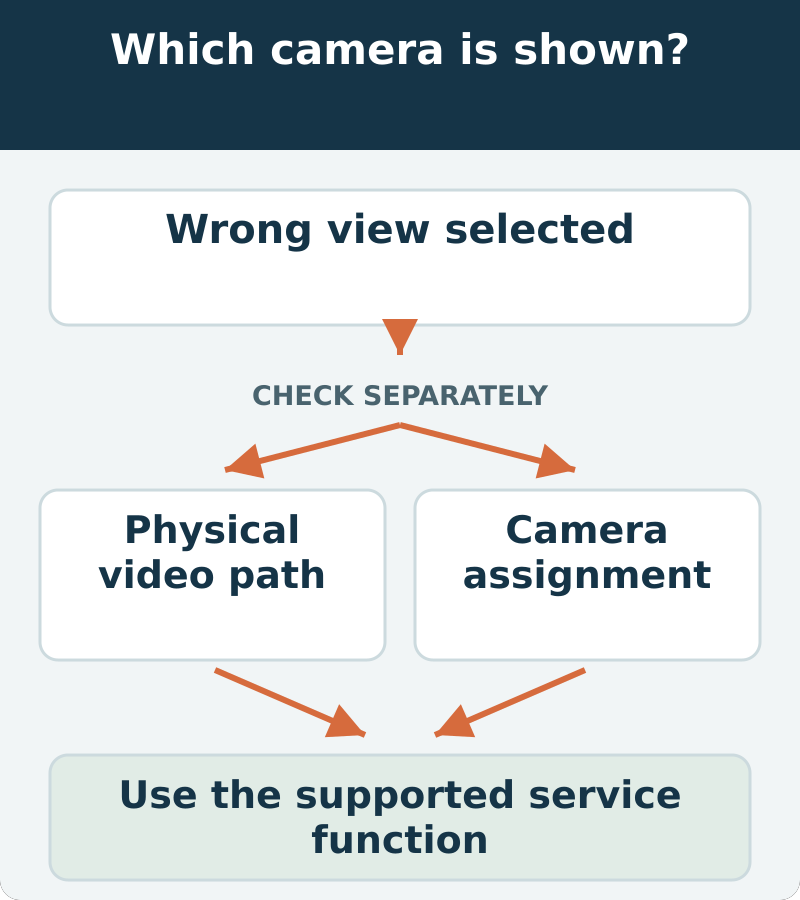
Check the physical route before changing identity
Recent work gives the shop a starting area, not permission to assume every connection there is wrong. Compare the installed wiring and components with the correct service information. Record what has been moved, retained or replaced, including any previous attempts to correct the display.
Avoid repeatedly swapping connectors to see whether the picture changes. That can obscure the original configuration and may introduce a second problem. A controlled comparison should answer a specific wiring question and leave an accurate record of the final arrangement.
Why a reboot did not settle the question
Restarting a display is not the same operation as confirming the system’s camera identities. A reboot may be part of a supported procedure, but its failure or success should not be treated as a complete hardware diagnosis.
Likewise, no stored DTCs does not prove that the view is appropriate for the driver’s request. A functional error can remain obvious to the user even when the available fault-code list is empty. The acceptance test needs to look at the function itself.

What the successful shop action was
The useful distinction is a supported configuration function, not a generic “reset everything.” Before scheduling the job, ask whether the shop’s current equipment and software support the required function for this VIN and system configuration.
Ford IDS was the tool identified in the reported repair. A different professional platform should be judged by verified coverage of the exact function, not merely by the ability to read Ford fault codes. Ask the shop to retain the relevant configuration and completion record according to its service procedure.
There is no basis here for replacing IPMB simply because camera identity is wrong. Module replacement would need its own diagnosis and associated setup requirements.
Assignment and calibration are not interchangeable
Assignment concerns which camera is associated with a location or function. Calibration, where required, concerns the system’s prescribed setup and alignment process. Completing one does not automatically establish that all requirements of the other have been satisfied.
After structural or cab work, the technician should review the applicable post-repair procedures rather than rely on this short case to define them. The correct method may require specific conditions, equipment or targets. Do not improvise a target layout from a general illustration or assume an electrically sound camera is fully commissioned.
Verify every view before backing up
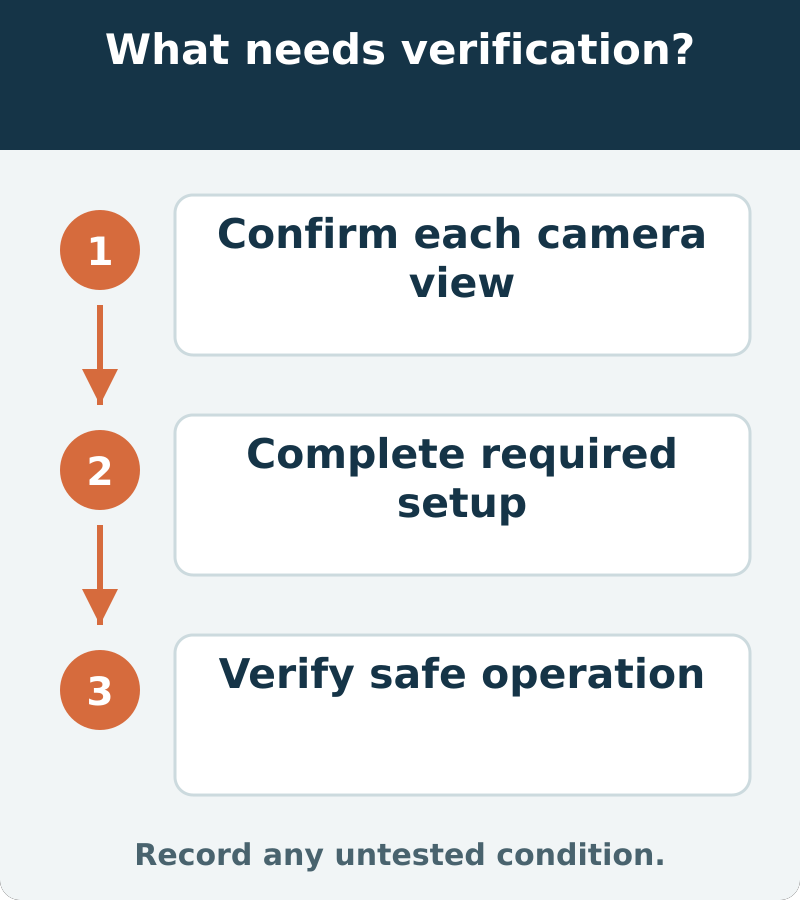
With the vehicle secured, verify that each available request selects the intended view using an appropriate safe test arrangement. Confirm any required setup or calibration separately, then complete the vehicle-specific functional checks. Keep people out of the maneuvering area and do not use a person as a camera target.
The handoff should identify the corrected function and any completed post-repair requirements. “The screen works” is too narrow when the original problem was that the screen confidently showed the wrong end of the truck.









Comments 0
Questions, fixes, and real-world diagnostic notes from readers.
Be the first to share a diagnostic result or ask a follow-up question.