
2026 Subaru B2A20 and a Red STARLINK LED? Check What Still Works

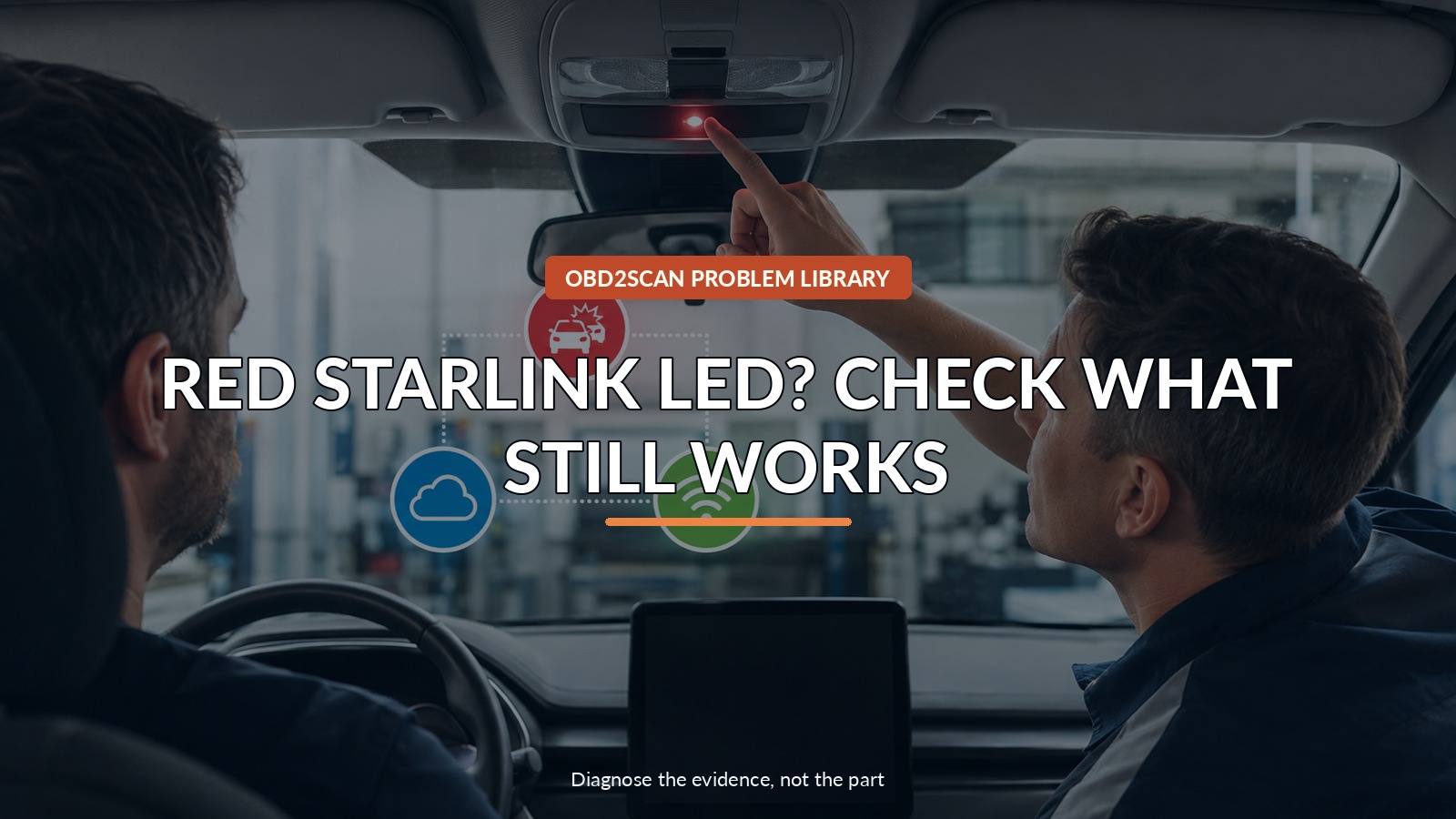
Red Starlink Led? Check What Still Works
Do not translate one red LED into ‘all emergency services are gone.’ Subaru says automatic collision notification remains functional in this isolated condition, while some cloud, app, Wi-Fi and update services may be affected. Preserve B2A20 as current or history, scan every module and note any U1F0188, B22A4 or B22A5 before a DCM is considered.
If a full-system scan cannot establish communication, the first tool need may be safe access to diagnostic-port power, ground and network pins—not another module. An AUTOOL OBD2 Breakout Box Premium can support that access check. An OBD2 breakout box such as AUTOOL’s Premium Version can verify diagnostic-port power, ground and pin-level access when a full scan cannot communicate; it does not read B2A20, test STARLINK service availability, collect Subaru CCU logs, replace SSM5 or justify DCM replacement.
The fastest way to reduce anxiety is to name functions rather than saying ‘the telematics system.’ If an attempted assistance call fails, stop relying on that route and use a phone or another available emergency channel. A red lamp can coexist with a working automatic collision notification path, while other connected features are unavailable or degraded. Make two maps: what the driver can use, and what the modules report. Only when both maps are preserved should a reset, log collection or trouble tree begin.
Quick answer: Test which connected services still work, preserve B2A20 current/history status and companion codes, and avoid DCM replacement for the isolated pattern.
In this guide
- Test the services you actually depend on
- Keep automatic collision notification separate
- Preserve current versus history status
- Scan the entire car for companion codes
- Use a history-only reset narrowly
- Do not replace the DCM for standalone B2A20
- Ask for the one-time CCU log when applicable
- Verify the LED and each affected service
Test the services you actually depend on
From a safe parked location, test the connected features you actually use. Check whether the overhead information-call button connects, whether the app can send a remote command, whether built-in cloud navigation or voice recognition responds, whether Wi-Fi works and whether a software update is pending. Record date, time and account status. A subscription or phone problem can mimic part of the list, so confirm the account before attributing every unavailable service to B2A20. Do not repeatedly press emergency functions merely as an experiment; follow Subaru’s owner instructions and support channels.
Keep automatic collision notification separate
Subaru’s 07-240-26R states that automatic collision notification remains fully functional in the isolated B2A20 condition it describes. That precise assurance is more useful than saying the system is either ‘fine’ or ‘dead.’ The bulletin also explains that the overhead iCall can connect directly even if calls initiated through the center display are affected. Owners should still keep a phone or other route available whenever a feature they depend on appears unavailable, and any actual crash or emergency should be handled through normal emergency services.
Preserve current versus history status
B2A20 status changes the path. Save whether the code is Current, History or both before clearing it. Subaru notes that moving to History can turn off the red LED and restore service in the scoped standalone case, but ‘history’ is not a universal label for harmlessness. Record how the state changed and whether the lamp returns after a key cycle or overnight sleep. Low voltage, interrupted updates or communication faults may create additional evidence that requires a different diagnosis.
| Observation | What Subaru’s scoped path suggests | What to do |
|---|---|---|
| Standalone B2A20 history | Narrow history/service check | Verify LED and functions |
| Standalone B2A20 current | Preserve state and factory log path | Use SSM5/TechShare process |
| Companion U1F0188/B22A4/B22A5 | Not the isolated branch | Follow current trouble trees |
| No scan communication | Access/network issue first | Check DLC safely before modules |
Scan the entire car for companion codes
Run the Subaru-required full vehicle scan and health check, not just a generic engine scan. Look specifically for companion codes U1F0188, B22A4 and B22A5 and preserve every module that reports them. The absence of those companions supports the standalone branch; their presence directs the technician into the corresponding current trouble trees. Also note modules that do not respond. A single module reporting lost communication is not automatically the failed module, and an aftermarket device at the data connector should be documented.
Use a history-only reset narrowly
For standalone B2A20 that is history and does not return, the bulletin’s path is deliberately narrow. Confirm the LED state and restore/test the listed services, then avoid turning the visit into broad module replacement. If the code was current and becomes history after the authorized operation, record the transition. Do not erase all vehicle codes merely to make the red lamp disappear; the pre-scan is the record that proves which condition existed. A later recurrence should be compared with the original date and service availability.
Do not replace the DCM for standalone B2A20
Subaru explicitly advises against replacing the data communication module for standalone B2A20 in this scenario. A red LED is a system output, not a component test. Before any DCM estimate, the shop should be able to show companion codes, failed communication, a failed trouble-tree result or newer Subaru direction. This boundary matters to the owner because module replacement may involve registration, subscriptions and programming while leaving a cloud-side or software condition untouched.
Ask for the one-time CCU log when applicable
The bulletin asks for a one-time CCU log and a quality-monitoring report in the applicable standalone current/history case. That data collection belongs with SSM5 and Subaru’s service systems; an aftermarket scanner cannot create the required factory log. Ask the repair order to state whether the log was collected and whether later occurrences need another submission. If the vehicle cannot communicate through the DLC, prove connector power, grounds and network access without spreading terminals, then restore the factory diagnostic path.
Verify the LED and each affected service
Verification is a user-facing checklist. Confirm the overhead LED color, automatic collision-notification status as Subaru defines it, the iCall route, app remote functions, cloud navigation/voice, Wi-Fi, subscription/account status and update behavior that originally failed. Then rescan for B2A20 and companions after a sleep/wake cycle. Some services depend on cellular coverage or an active account, so test results should state those conditions. The article’s promise is not that every red lamp is harmless; it is that each service and code branch gets named accurately.
A good connected-car diagnosis should leave the owner knowing more than the color of an LED. Test the actual services, preserve B2A20 status and companions, use the standalone branch only when it truly stands alone, and avoid a DCM replacement unsupported by Subaru’s evidence. The outcome is a service map the driver can act on today and a clean record if the condition returns tomorrow.





Comments 0
Questions, fixes, and real-world diagnostic notes from readers.
Be the first to share a diagnostic result or ask a follow-up question.