
2025 Explorer or Aviator Driver-Assistance Warnings? Scan the Whole Network

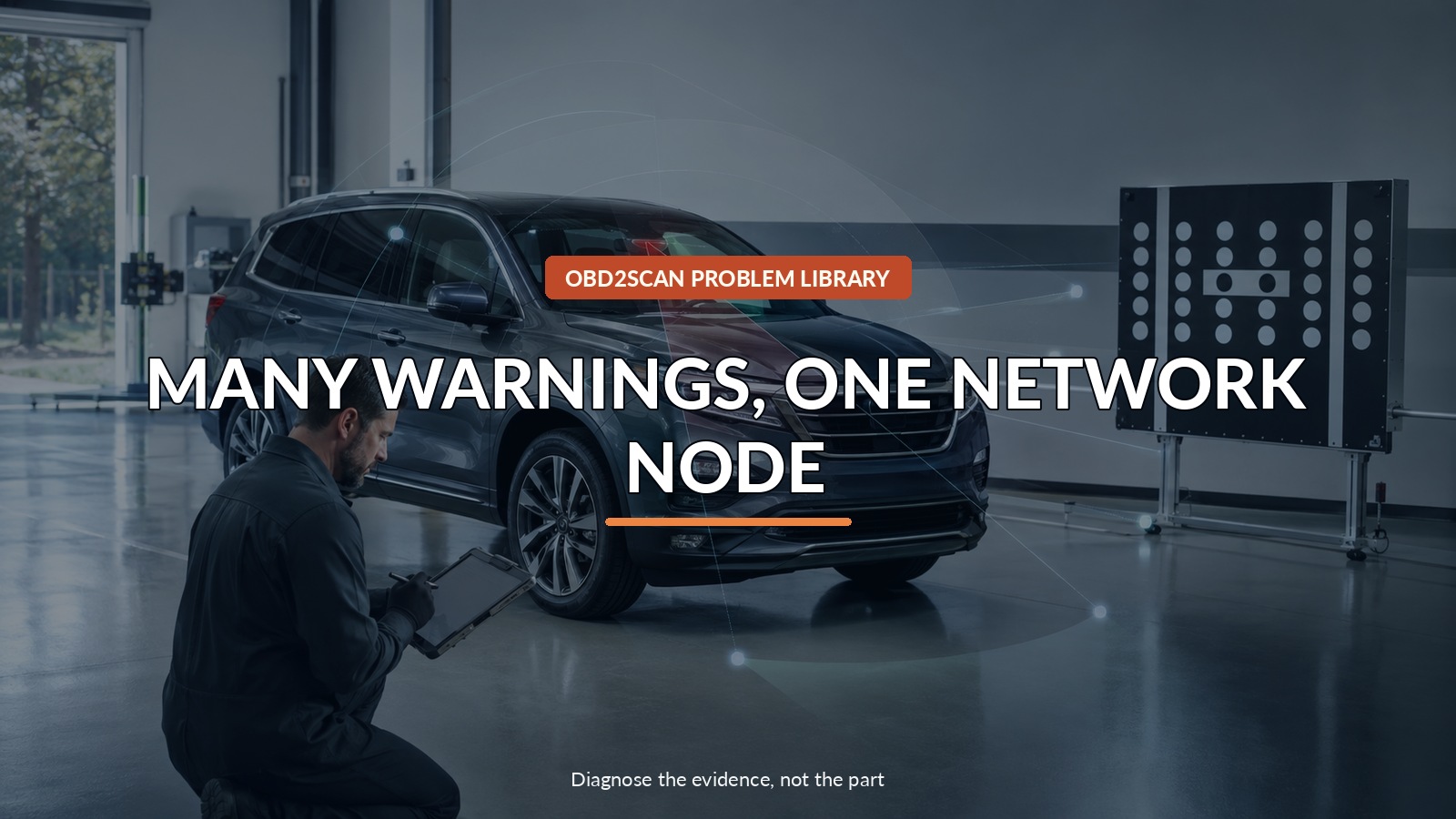
Many Warnings, One Network Node
Photograph every warning and drive as though each named assistance feature is unavailable. A full-vehicle scan matters more than reading one module: on a scoped 2025 Explorer or Aviator, Ford checks whether the IPMA is communicating before choosing recovery, reprogramming, IPMA alignment and, where equipped, 360-degree camera alignment. Do not test the warning by deliberately relying on lane centering, adaptive cruise, collision assistance or the 360-degree view. The first useful act is to identify which functions the vehicle says are unavailable.
The useful tool category here is a complete supported vehicle-network scan that preserves every module’s view of the event, but only after the safe test point and decision are clear. The AUTOOL Used Car Diagnostic Tester is one practical route for that bounded step. AUTOOL’s Used Car Diagnostic Tester category can provide broad-system scan options for supported vehicles, but category membership does not guarantee 2025 Ford IPMA coverage. A generic or aftermarket scan cannot replace FDRS recovery, TRON authentication, IPMA alignment or camera calibration.
The dashboard may look like several failures, but a modern assistance feature is a chain. Camera input, IPMA processing, authenticated communication, other modules, displays and calibration all depend on one another. TSB 25-2294 starts at the network node rather than at the most alarming message.
Quick answer: Drive as though every named assistance feature is unavailable, preserve all warnings and scan the complete network before choosing IPMA recovery or programming.
In this guide
- Translate each warning into a missing driving aid
- Preserve the entire warning set
- Run a full-network scan before naming a sensor
- Ask whether the IPMA is communicating now
- Separate recovery from ordinary reprogramming
- Keep authentication and alignment in the repair
- Add 360-degree camera alignment only when equipped
- Verify warnings, communication and calibration together
Translate each warning into a missing driving aid
Write down each warning separately and consult the owner’s manual for the function it removes. Keep extra following distance, make lane changes with direct observation, and avoid assuming automatic braking or steering assistance will intervene. A rearview-camera failure requires special care when reversing; use a spotter when visibility is limited. If ordinary steering, braking, lighting or visibility is affected—not merely assistance—stop and arrange service. This safety inventory is also diagnostic: it shows whether several features disappeared at once or one isolated feature failed.
Preserve the entire warning set
Photograph the cluster and center display before cycling the ignition repeatedly. Note whether the messages appeared at startup, after rain, after windshield or body work, during low battery voltage, or after an earlier software update. Save every DTC with module, status and timestamp. ‘Lost communication with IPMA’ in several consumers is a different pattern from unrelated local sensor faults. A vehicle-wide report prevents the first shop from clearing the shared evidence while checking only one driver-assistance module.
Run a full-network scan before naming a sensor
Run the broadest supported network scan, not just generic OBD emissions. Map which modules report invalid data or lost communication against the IPMA and whether the IPMA itself responds. Aftermarket coverage varies by model, model year, system and software level, so verify that the tool can actually address the 2025 platform before promising a result. A scan that cannot see the IPMA can document that limitation, but silence on an unsupported tool is not proof that the module is offline.
Ask whether the IPMA is communicating now
Ford’s service procedure first uses FDRS to run all continuous-memory DTCs and asks whether an IPMA communication concern is present now. That present-state gate matters. If communication is currently missing, Ford routes through IPMA recovery, TRON diagnosis and repair, and IPMA alignment before normal reprogramming. If communication is already available, the procedure moves ahead without pretending a past warning never existed. Current versus history status keeps the repair proportional to what the network is doing now.
| Network observation | What it changes |
|---|---|
| IPMA does not communicate and other modules report its loss | Ford recovery/authentication/alignment branch |
| IPMA communicates but warnings and related DTCs fit the TSB | Reprogramming and required alignment branch |
| One local sensor fault with no shared IPMA pattern | Diagnose that feature normally |
| Messages clear but calibration is incomplete | Vehicle is not yet fully verified |
Separate recovery from ordinary reprogramming
Recovery attempts to restore a module that cannot participate normally; reprogramming installs the applicable software after communication exists. Those are not interchangeable buttons. Ford also places Trusted Real-Time Operation Network authentication in the recovery branch. Generic code clearing cannot perform that trust repair. Ask the shop to retain the original scan, record which recovery applications ran and state whether communication returned before the software update. That history is valuable if the fault recurs.
Keep authentication and alignment in the repair
IPMA alignment remains part of Ford’s route because a communicating, updated camera processor still needs a valid relationship to the vehicle. For vehicles equipped with a 360-degree camera, the bulletin adds the separate 360-degree view camera alignment procedure. Replacement glass, collision repair, ride-height changes and alignment work are important history even when software is the known cause. A dashboard free of messages is not sufficient if the camera’s geometric reference has not been restored as required.
Add 360-degree camera alignment only when equipped
Do not order a camera or module because several other modules complain about it. The shared node may be offline because of software, power, ground, network wiring or authentication. Conversely, do not call every warning ‘just software’ if impact damage, a blocked view, water intrusion or a power-supply problem exists. TSB 25-2294 applies only to its model, market and issue criteria. Anything outside those gates returns to Ford’s normal diagnostic path.
Verify warnings, communication and calibration together
After recovery, programming and required alignments, clear DTCs through the prescribed process and rescan every module. Confirm that IPMA communication is stable and each original message is absent. Then perform only the controlled verification steps Ford specifies; do not stage a near-collision to test assistance. Review calibration status and any aiming/alignment result. If one feature remains unavailable, follow that feature’s current procedure instead of repeating the whole software sequence without new evidence.
Give the shop the warning photos, affected-feature list, full scan, current-versus-history status, recent glass/body/battery work and the exact moment the warnings began. The objective is not merely to make the dashboard quiet. It is to restore one network node, its trust relationships and its geometric calibration so the driver knows which assistance functions are genuinely available again.



Comments 0
Questions, fixes, and real-world diagnostic notes from readers.
Be the first to share a diagnostic result or ask a follow-up question.