
Infiniti Intelligent Key Not Detected? Change the RF Environment Before Replacing Parts

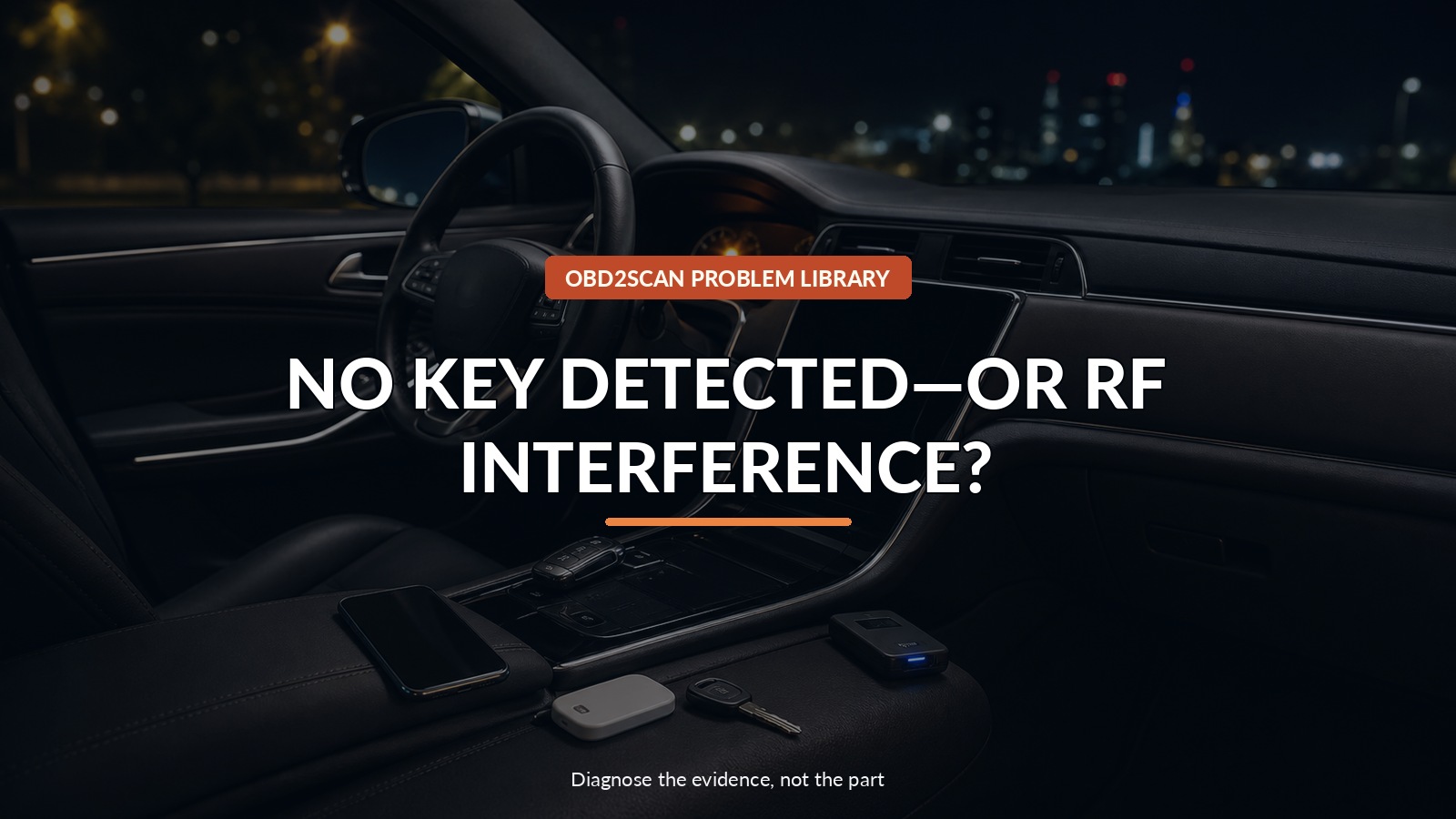
No Key Detected—Or Rf Interference?
An Infiniti that says the Intelligent Key is not detected may have a weak fob battery, a blocked key, local radio interference, an aftermarket transmitter, or a vehicle-side antenna or module fault. Replace none of those on the first message. Change the radio environment one variable at a time and see whether the failure follows the key, the place, or the vehicle.
A remote-frequency tester can answer a narrow preliminary question: does the fob emit a supported radio signal when a button is pressed? The AUTOOL RE110 remote-key frequency tester is one screening option. It cannot prove the vehicle received or authorized the key, find every ambient interferer, measure battery capacity, program a key, or diagnose a BCM or antenna.
Infiniti ITB13-052 starts with ordinary objects—battery, key position, metal obstruction, phones, other keys, toll devices, and aftermarket electronics—before it reaches vehicle parts. Turn that list into a controlled elimination room.
Quick answer: Compare both fobs, clear nearby transmitters and metal, repeat in another location, and see whether the failure follows the key, place, or vehicle.
In this guide
- Separate no-detect from no-authorization
- Check both fobs and their batteries
- Empty the RF neighborhood
- Repeat the failure somewhere else
- Screen transmission without overreading it
- Move from environment to vehicle antennas
- Preserve an intermittent event for the shop
- Verify at the original and control locations
Separate no-detect from no-authorization
Record the exact message and failed function: passive unlock, door request switch, remote lock button, trunk request, Start/Stop response, or engine authorization. Does holding the fob at the emergency start location change the result? Do not publish or photograph key codes, VIN details, or security credentials.
Save vehicle DTCs before disconnecting the 12-volt battery. Check overall low-voltage condition because a weak vehicle battery can distort smart-key symptoms. If the vehicle is stranded in an unsafe location, use the owner’s manual emergency method or roadside assistance rather than repeatedly cycling the ignition.
Check both fobs and their batteries
Test the primary and spare separately, with only one key near the vehicle. Inspect each for impact, water entry, incorrect battery installation, bent contacts, or recent case replacement. Measure open-circuit battery voltage with a high-impedance meter; Infiniti’s bulletin gives 2.5–3.0 V as its check range and recommends replacement at 2.8 V or less for the covered procedure.
A fresh nominal reading is not a complete capacity test, and a new coin cell can be poor or counterfeit. Use the specified battery type, polarity, clean handling, and safe disposal. If both fobs fail identically only at one location, two simultaneous key failures become less likely.
Empty the RF neighborhood
Create a clean test scene. Remove phones, tablets, other vehicle keys, metal key boxes, toll tags, USB chargers, radar detectors, dash cameras, aftermarket alarms or remote starters, and wireless accessories. Move the tested key away from coins and metal containers.
Repeat one function from one marked position. Add devices back one at a time. This small matrix is more informative than waving the key around:
| Test scene | Primary fob | Spare fob | Meaning to investigate |
|---|---|---|---|
| Cabin cleared | Record | Record | Vehicle/key baseline |
| Phone beside key | Record | Record | Personal-device interference |
| Aftermarket device powered down | Record | Record | Installed-transmitter influence |
| Same setup elsewhere | Record | Record | Location-specific ambient RF |
Do not disable safety or legally required equipment permanently. This is a brief diagnostic comparison.
Repeat the failure somewhere else
If possible, move the vehicle away from the garage, storefront, charging equipment, radio tower, or neighboring transmitters where the problem occurs. Repeat at a quiet control location with the same fob position and vehicle-battery condition.
A failure that disappears only after relocation supports environmental interference; it does not identify the transmitter. A failure that follows one fob points toward that key or its battery. A failure that remains with both keys everywhere moves the investigation toward vehicle antennas, wiring, power, grounds, and modules.
Screen transmission without overreading it
Use the frequency tester with the key close to the sensor and follow its supported-band instructions. Compare the same button on both fobs. Record whether each transmits and whether the indicated frequency family is plausible for the key specification.
This does not test passive low-frequency wake-up from the vehicle or cryptographic authorization. A transmitting fob can still have corrupted programming or poor output, and a good vehicle may be deaf at one antenna. Treat the screen as one column in the matrix, not a pass/fail verdict for the entire system.
Move from environment to vehicle antennas
Only after keys, batteries, obstructions, personal devices, location, and aftermarket transmitters are controlled should the shop follow Infiniti diagnostics for antenna circuits, BCM/Intelligent Key unit power and grounds, network communication, and registration status. Similar messages on later Nissan/Infiniti applications can have vehicle-specific technical fixes, which is why model and bulletin scope matter.
Security-system programming requires authorized equipment and proof-of-ownership processes. Do not attempt random key erasure or registration as a diagnostic shortcut.
Preserve an intermittent event for the shop
Record date/time, location, parking orientation, weather, exact fob, battery voltage, key position, nearby devices, failed function, message, number of attempts, and what restored operation. Include a short video that avoids showing private codes.
Tell the shop whether the symptom follows one key, one place, or one installed accessory. That three-way distinction is often more valuable than “key not detected sometimes.”
Verify at the original and control locations
After any repair or interference removal, test both fobs at every door request switch, remote range, trunk function, and start authorization. Repeat first at the quiet control location, then at the original failure location. Re-scan the vehicle and confirm the 12-volt system remains healthy.
A successful result is repeatable operation without the removed variable and a known explanation for what changed—not one lucky start.
Keep privacy and security intact
Share symptom timing and test results, but cover mechanical key cuts, registration codes, addresses, and personal device identifiers in photos. Use a licensed locksmith or dealer process when registration is required and bring proof of ownership. An RF screen is diagnostic evidence, not authority to clone or erase keys. Keeping the technical handoff separate from security credentials gives the shop enough information to reproduce the failure without exposing material that could be misused.





Comments 0
Questions, fixes, and real-world diagnostic notes from readers.
Be the first to share a diagnostic result or ask a follow-up question.