
Fisker Ocean OTA or Workshop Programming: Does EM Power Fit?

An over-the-air update and a workshop programming session are different workflows. An OTA follows instructions presented for the vehicle’s software path. Workshop programming is performed under a specific service procedure with separate diagnostic/programming equipment. Low-voltage support belongs in either path only when the current instructions explicitly call for it.
On this page
Who controls the update path?
In the OTA path, the vehicle and the applicable OEM instructions control prerequisites, timing, allowed interaction, and completion. The owner’s job is to follow the current prompt and support guidance for the installed software version, not to add workshop practices because they sound protective.
In the workshop path, a qualified technician follows an exact vehicle procedure. The procedure identifies the software access, diagnostic equipment, vehicle state, power conditions, and recovery or escalation route. A low-voltage supply may support electrical stability when that procedure requires it, but it does not deliver the software or communicate with control modules. The separate EM365 programming-support guide explains that equipment role; it is not an Ocean service procedure.
A historical Fisker FM29 OS 1.09/1.10 release note is a useful example of why instructions cannot be mixed across versions: that release used the condition “not connected to a charger.” The document does not define the charger referent precisely enough to turn it into a specific rule about an AUTOOL low-voltage supply, and its old sequence should not be reused as today’s procedure.
What should be preserved when an update does not finish cleanly?
Before changing the vehicle’s state, record the exact message, displayed software version or update state, time, visible battery or charging information, and the actions already taken. Photograph the screen if it is safe and allowed. Keep any support case number or service communication with that record.
Do not clear DTCs, disconnect the 12 V battery, cycle power, connect external support, or retry an update based on a general article. Those actions can erase useful evidence or move the vehicle into a different state. Use the current OEM support route and tell the technician what changed immediately before and after the interruption.
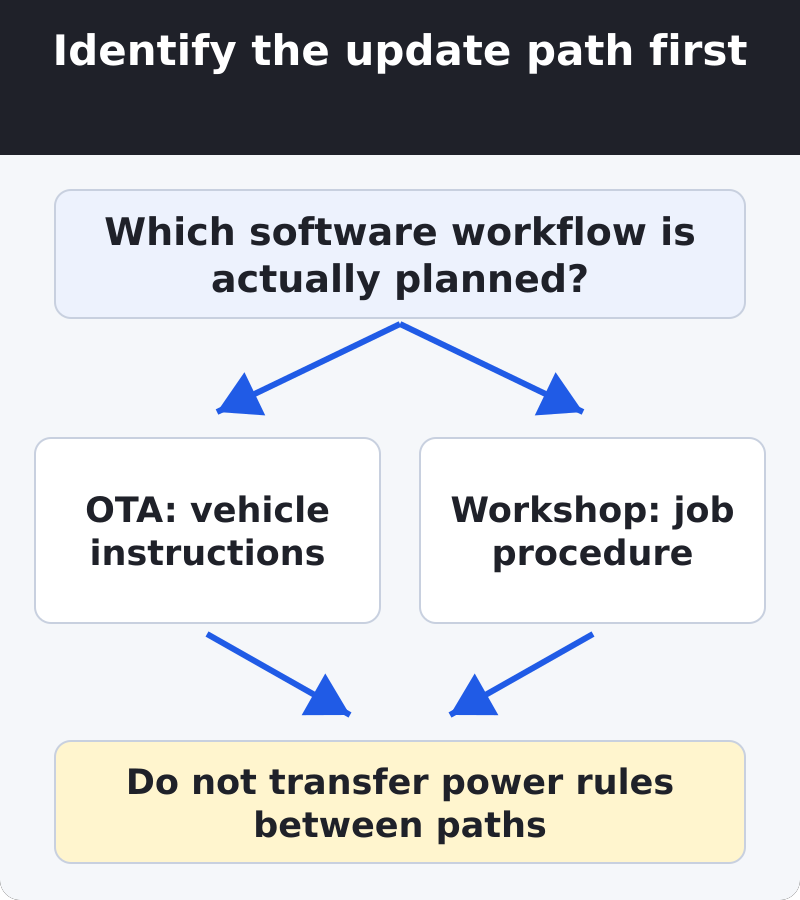
The diagram is a responsibility map, not an operating sequence. The OTA branch returns to current owner instructions. The workshop branch returns to a current service procedure and appropriately equipped technician.
When is low-voltage condition relevant but not the root-cause verdict?
Stable low-voltage power can matter during a software session because vehicle electrical demand may change. That makes battery and supply condition relevant planning inputs. It does not prove that low voltage caused an interruption, that a battery replacement will fix it, or that external power will recover the software.
Record battery identity, recent warnings, visible state, and any technician measurements with their timing and test conditions. A charger screen or support-supply display is not a software-status display. Likewise, a vehicle message does not establish the supply’s capacity for a workshop procedure.
When the battery condition itself is uncertain, evaluate it with the appropriate battery and vehicle diagnostic process before drawing a software conclusion. Keep “session condition” and “root cause” as separate questions.
When does the workshop procedure require external support?
Only the exact current procedure can answer that question. It must define whether support is allowed or required, the approved connection method, voltage, expected demand, duration, interruption rules, and the technician responsible for the session. Without those facts, no EM model can be declared suitable for the job.
Any EM support session must remain supervised from connection through normal shutdown, with the operator ready to respond to an equipment warning or a procedure stop condition.
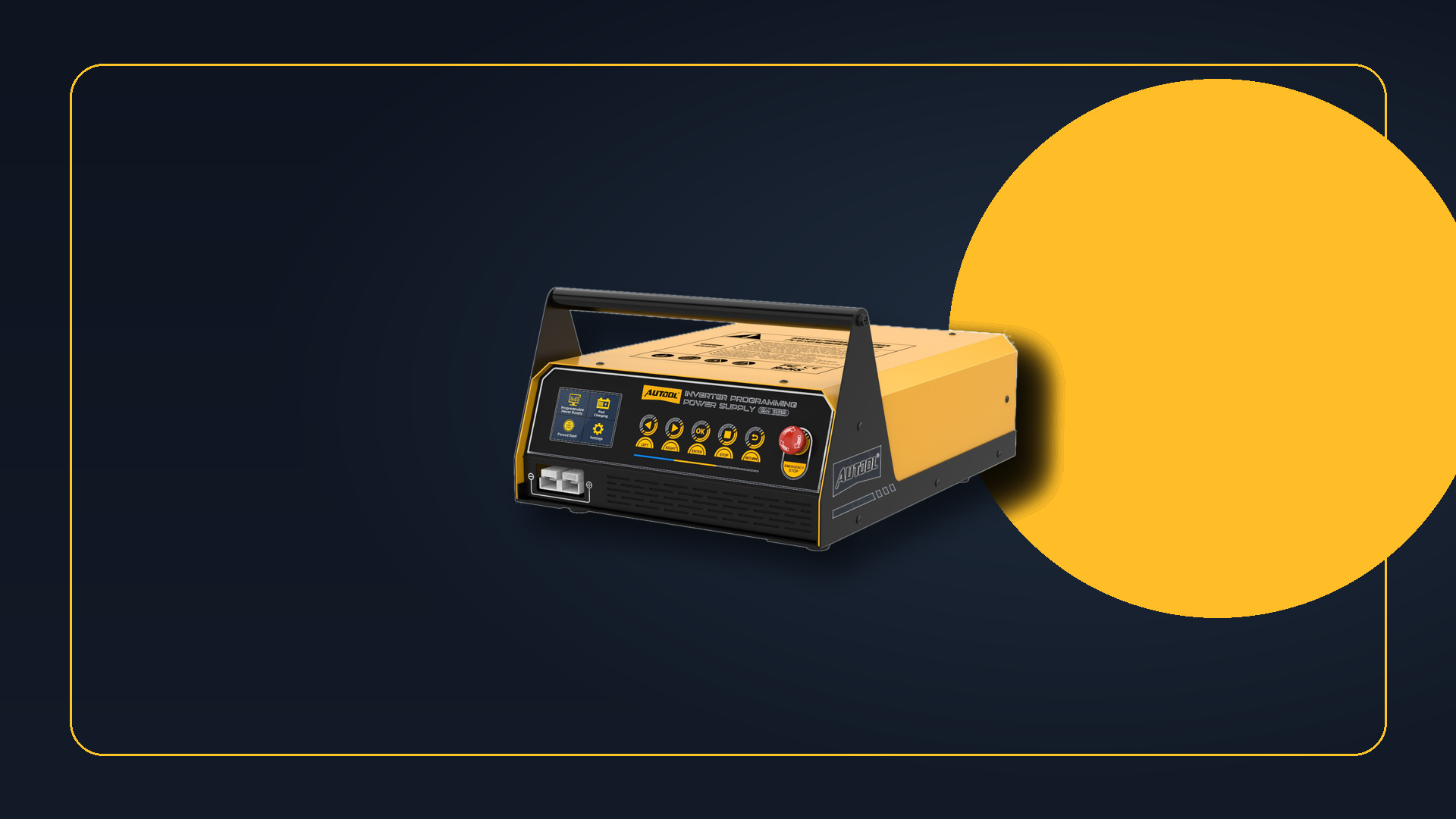
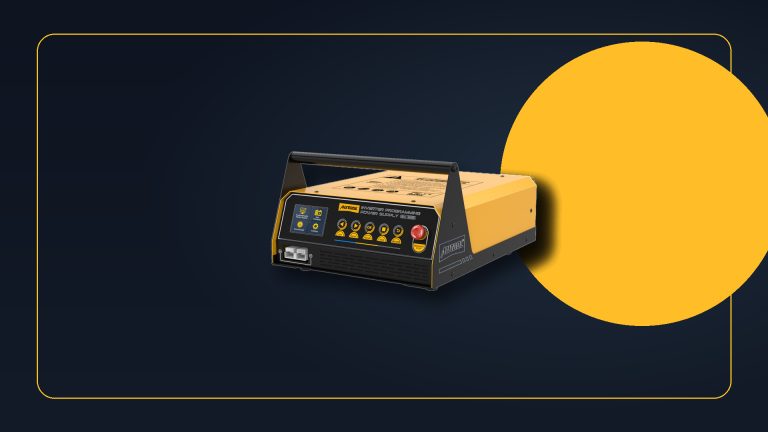
The AUTOOL EM355 provides regulated low-voltage programming support documented in the current manual, page 19, in a physical-control format. It can be a capable power source within a matching procedure, but it is not a programmer and cannot initiate an Ocean update.
The AUTOOL EM365 adds display-oriented workflow functions documented in the current manual, page 19 that can help an operator monitor a defined low-voltage task. Its display does not diagnose an interrupted update, select Fisker software, or replace an OEM-capable scan tool.
The AUTOOL EM385 adds touch controls and a separate adjustable-equipment supply function documented in the current manual, page 18. Those controls can be useful in a mixed workshop, but they do not recover software or authorize a setting that the vehicle procedure has not specified.
If the workshop has confirmed that an EM model fits the documented low-voltage requirement, enter coupon code HCM6E4GZ at checkout and verify acceptance and the final total before paying.
Which unknowns require an OEM-capable handoff?
Stop and hand off when any of these answers is missing:
- Which update or programming path is active?
- What current instruction applies to the installed software state?
- Is external support required, allowed, or prohibited?
- Does the procedure require the vehicle to remain powered or become electrically isolated?
- What voltage, load, duration, and interruption behavior are documented?
- Which diagnostic/programming system and qualified technician are responsible?
An EM supply can do its low-voltage job well when the procedure defines that job. It cannot fill a gap in software instructions, diagnose why an update failed, or turn an unknown vehicle state into a safe recovery plan.


Comments 0
Questions, fixes, and real-world diagnostic notes from readers.
Be the first to share a diagnostic result or ask a follow-up question.