How to Use the MRCARTOOL M30 GPS Speed Display

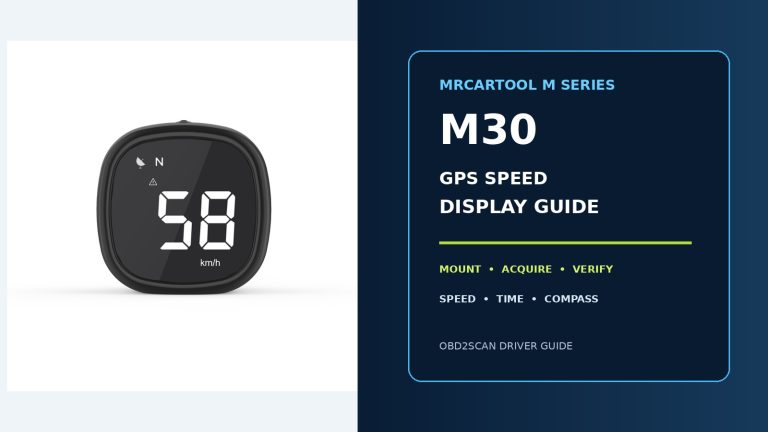
Mount and power the MRCARTOOL M30 safely, acquire a stable satellite fix, switch among speed, compass, time and reminder displays, verify speed compensation and troubleshoot weak GPS reception.

Mount and power the MRCARTOOL M30 safely, acquire a stable satellite fix, switch among speed, compass, time and reminder displays, verify speed compensation and troubleshoot weak GPS reception.

Select DOT 3, DOT 4 or DOT 5.1 correctly, verify the F60 battery and self-test, immerse only a clean probe, read the moisture bars without confusing the low-battery warning, then clean and store the tester.

Prime the F118, choose its Standard or Fast pressure mode only while powered off, exchange brake fluid in the vehicle-prescribed order and verify the brake system before release.

Prime, connect and set the MRCARTOOL F109, exchange brake fluid in the vehicle-prescribed order, stop at stable zero and complete the required brake checks.

Prepare, connect and hand-pressurize the MRCARTOOL brake fluid bleeder pump, bleed each prescribed service point, depressurize safely and verify the brake system.

Connect and configure the MRCARTOOL L505, read both A/C pressure sides, evacuate and pressure-hold the circuit, and charge without releasing refrigerant.

Connect and configure the MRCARTOOL L302, read both A/C pressure sides, evacuate and pressure-hold the circuit, and charge without releasing refrigerant.

Connect and configure the MRCARTOOL L205, read both A/C pressure sides, evacuate and pressure-hold the circuit, and charge without releasing refrigerant.

Connect and configure the MRCARTOOL L202, evacuate an automotive A/C service circuit, evaluate pressure or decay, and disconnect without releasing refrigerant.

The catch hose shows bubbles for minutes, yet the pedal is firm. Vacuum can pull air around bleeder threads, so this procurement memo buys sealing, overflow control and adapter access—not the promise of a perfectly bubbl…